Free Roku app
Family photos and art on your Roku.
Our Wall turns a Roku TV into a picture frame: your photos with gallery mats, seasonal art, and a fish tank. Your phone is the remote.
Set up
On your TV in 3 steps.
- 1
Add the app
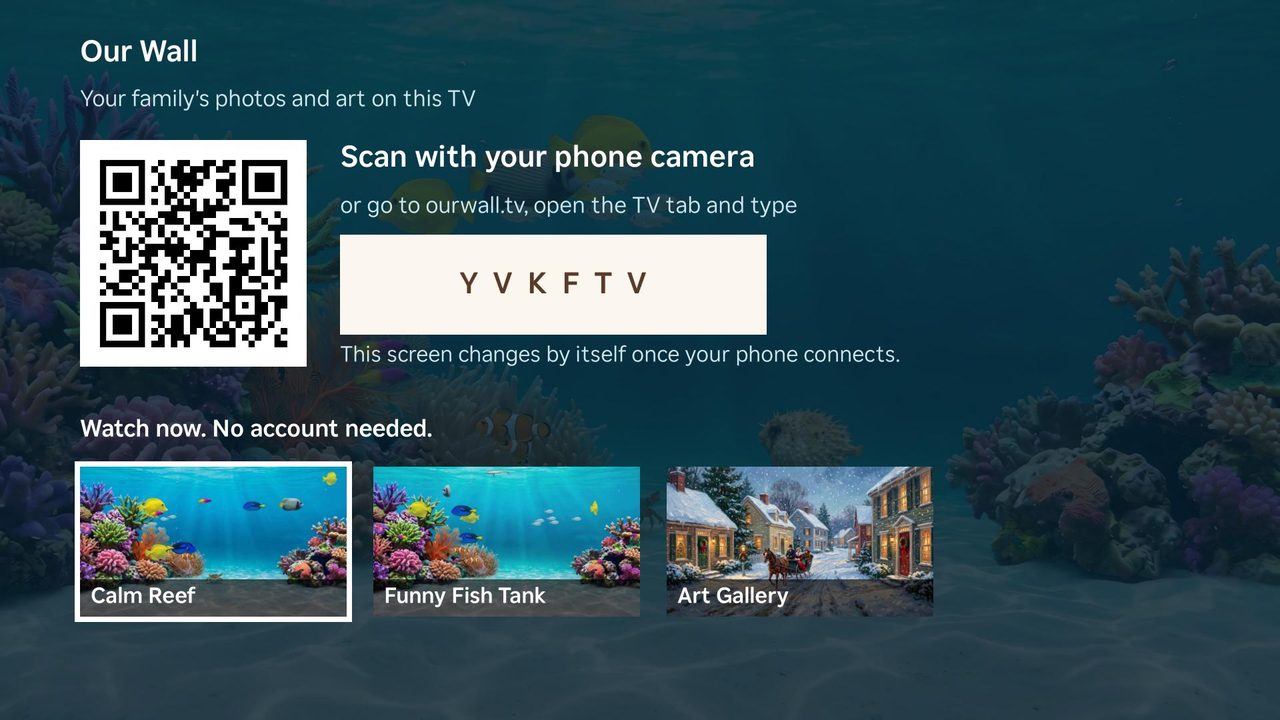
Add Our Wall from the Roku store, or search “Our Wall” on your Roku. It is free.
- 2
Scan the code
Open the app. Point your phone camera at the code on the TV.
- 3
Add photos
Pick photos and art on your phone. The TV changes in a few seconds.
What plays
Three things worth leaving on.
Your family photos
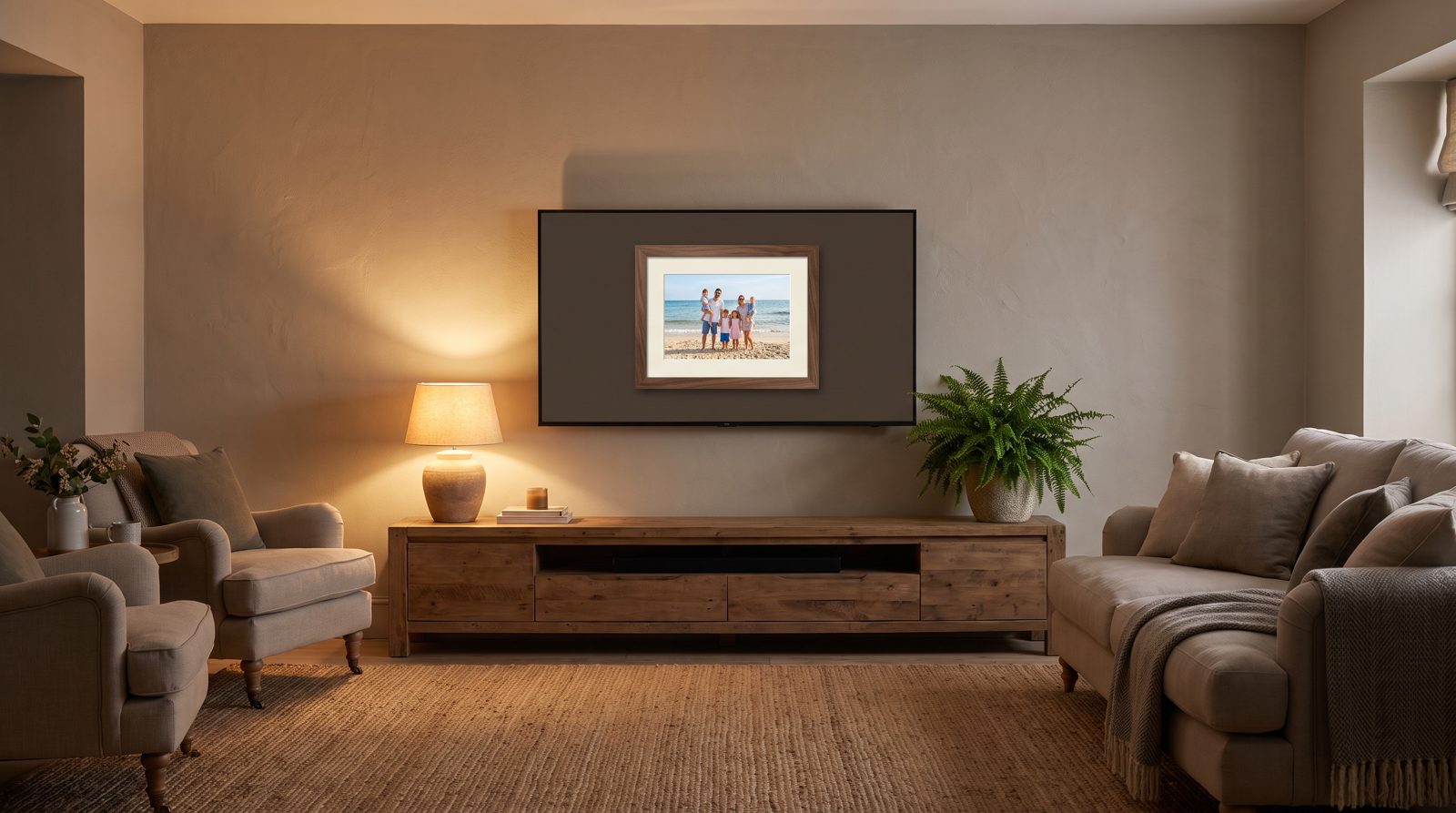
Add them from your phone. They change by themselves, with a mat or a frame around each one. 25 photos are free.
Art for every season
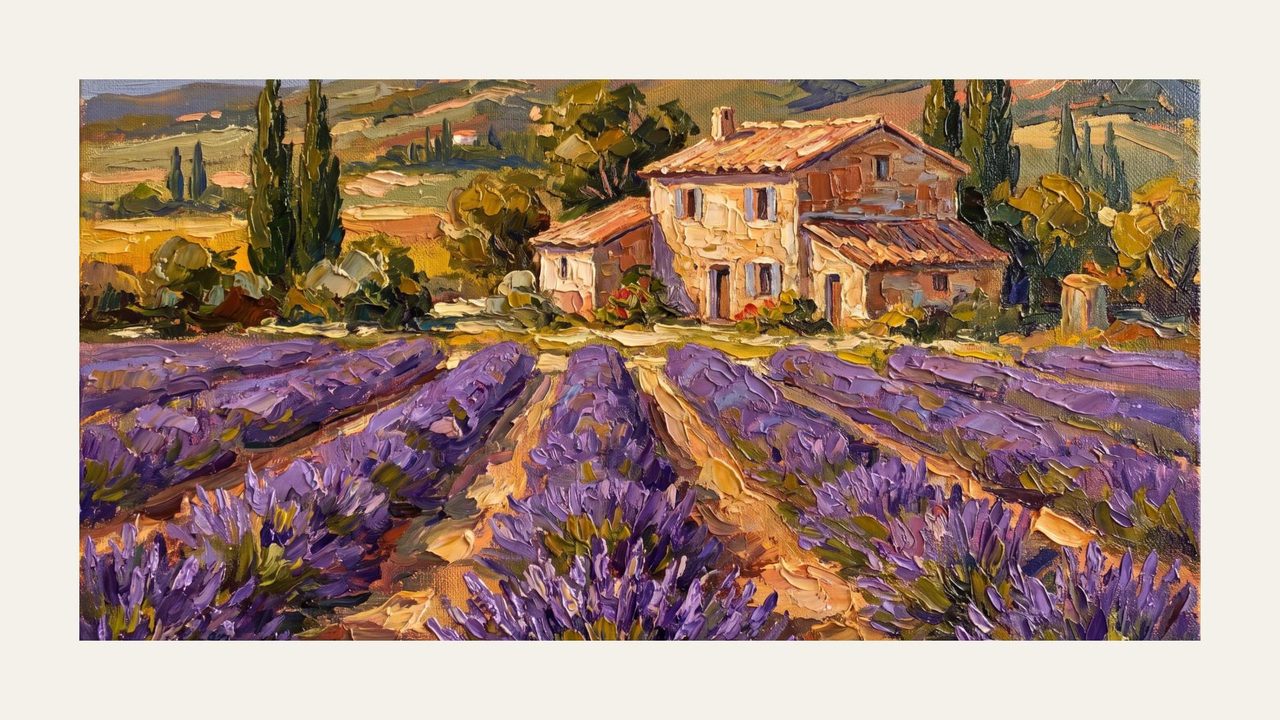
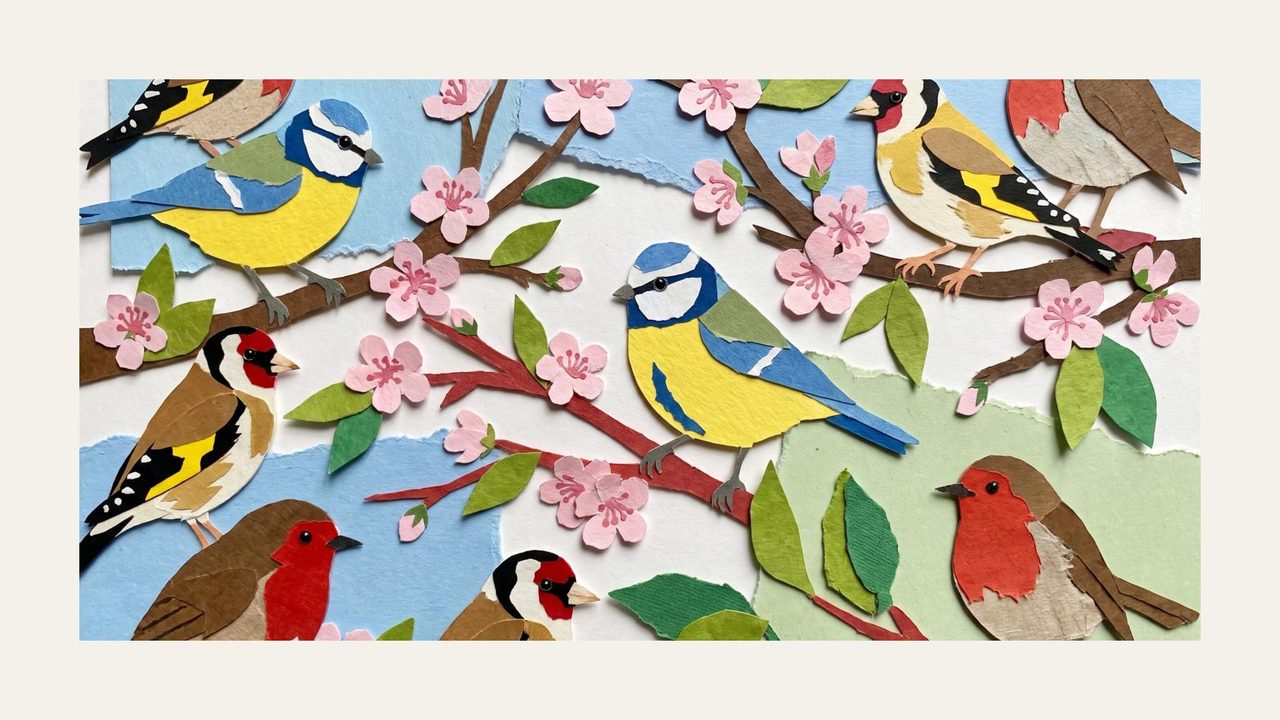
Oil paintings, watercolors, national parks, Halloween, Christmas. Pick a collection and it mixes in with your photos.

A fish tank
A calm coral reef, and a funny one where things quietly go wrong. Both play on a Roku without an account.
Your phone is the remote
Change it from the couch.
Pick a mat
Full screen, single mat, double mat, or a frame on a wall.
Skip ahead
Next picture, or stay on one for as long as you like.
Paint your family
Turn a photo into a painting. 2 are free.
Grandparents
They can email photos to your TV with Family Studio.
Good to know
Before you add it.
It is an app you open
Our Wall sits with your other Roku apps. It is not in the Roku screensaver list in Settings. Open it and leave it on.
Used Roku Photo Streams?
Roku moved Photo Streams into its Backdrops app. Our Wall is a separate app with mats, frames and a phone remote.
Free covers 1 TV
Plus is $3.99 a month for unlimited photos, all the art and 3 TVs. See plans
Stuck connecting? The help page has the steps for every TV.

For December
Christmas art for your TV.
See the collection
Put your family on the biggest screen in the house.
Make a free account on your phone, then open Our Wall on your Roku.
Start free